










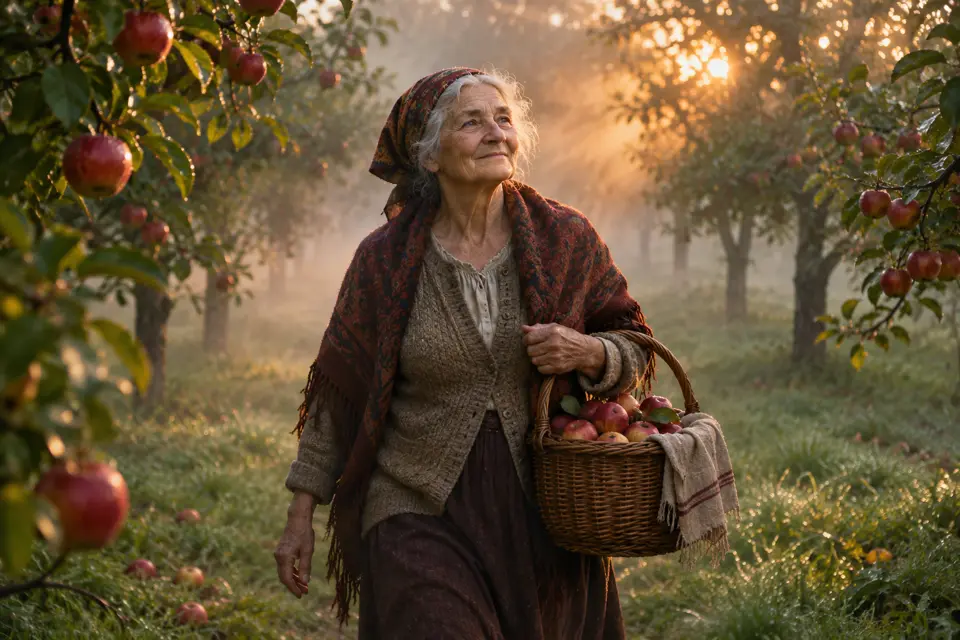


AI film and cinematic video
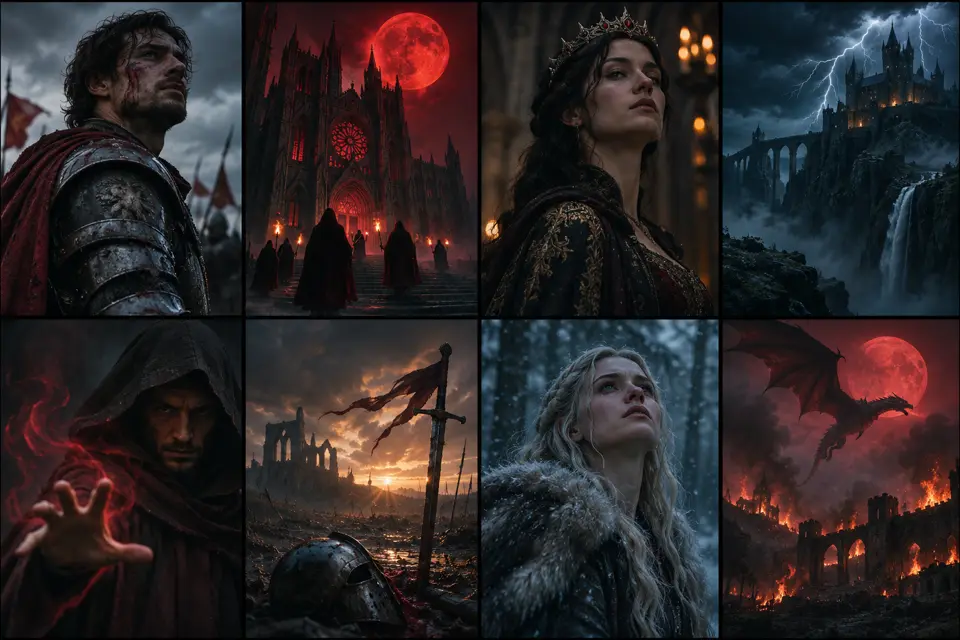
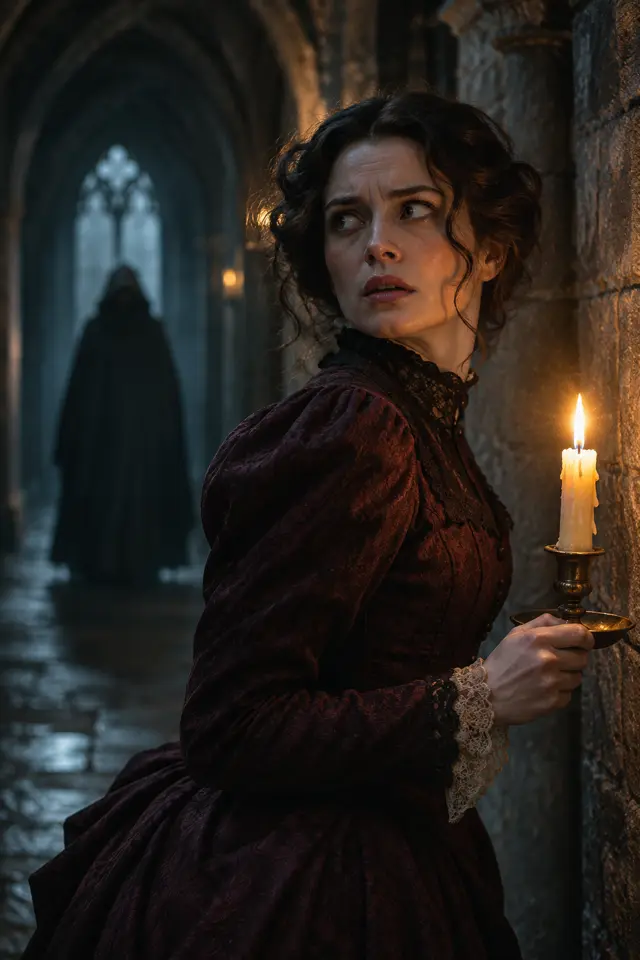
Turn a scene idea, script, or visual reference into shots with camera movement, lighting, mood, and an editable story structure.
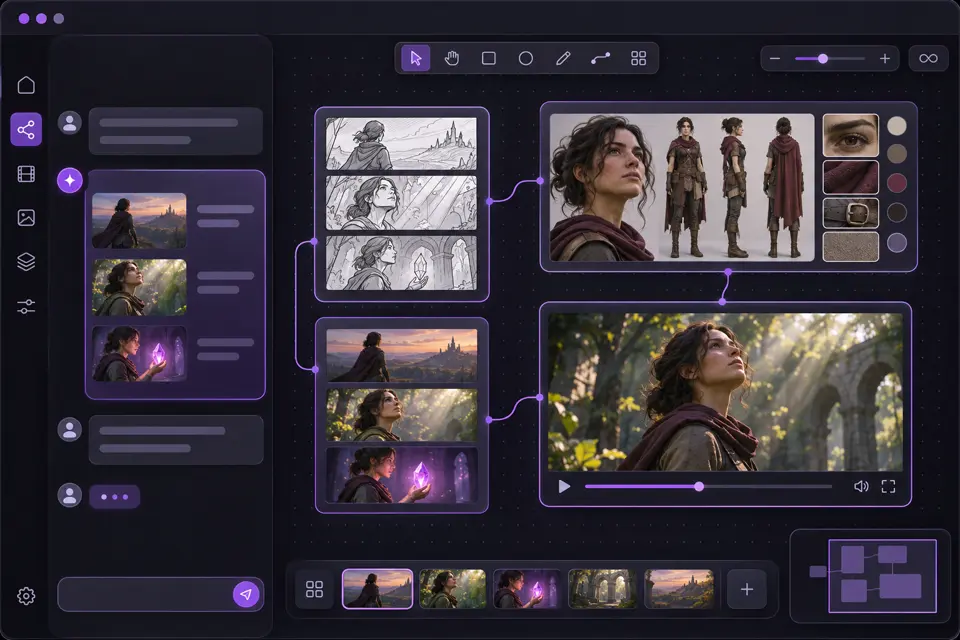
Create a film scene →Describe your idea, or add a script, reference video, or product link. QuickRender plans the scenes, picks the right models, generates the assets, and keeps every shot editable on Canvas.
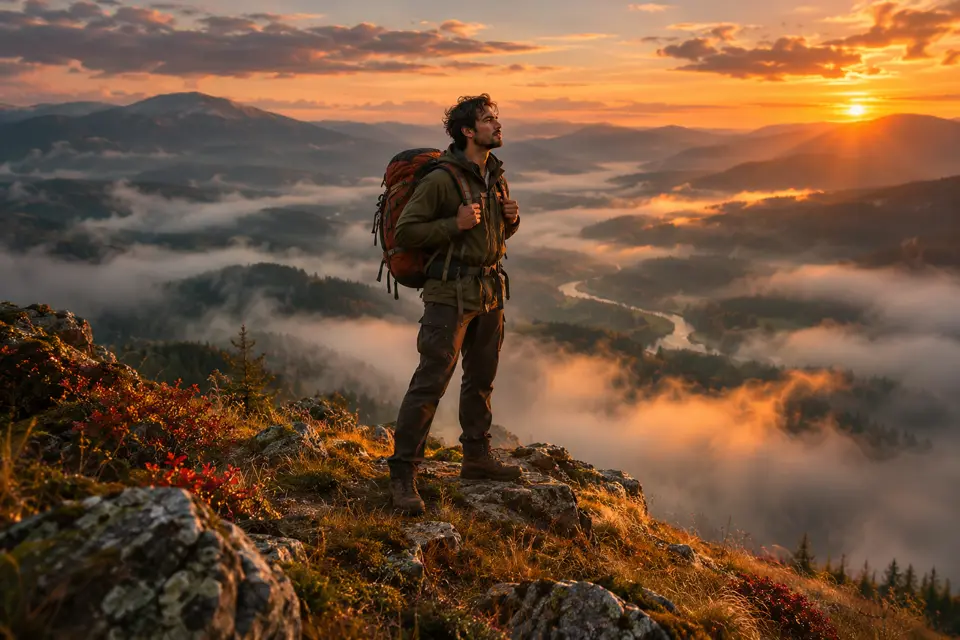
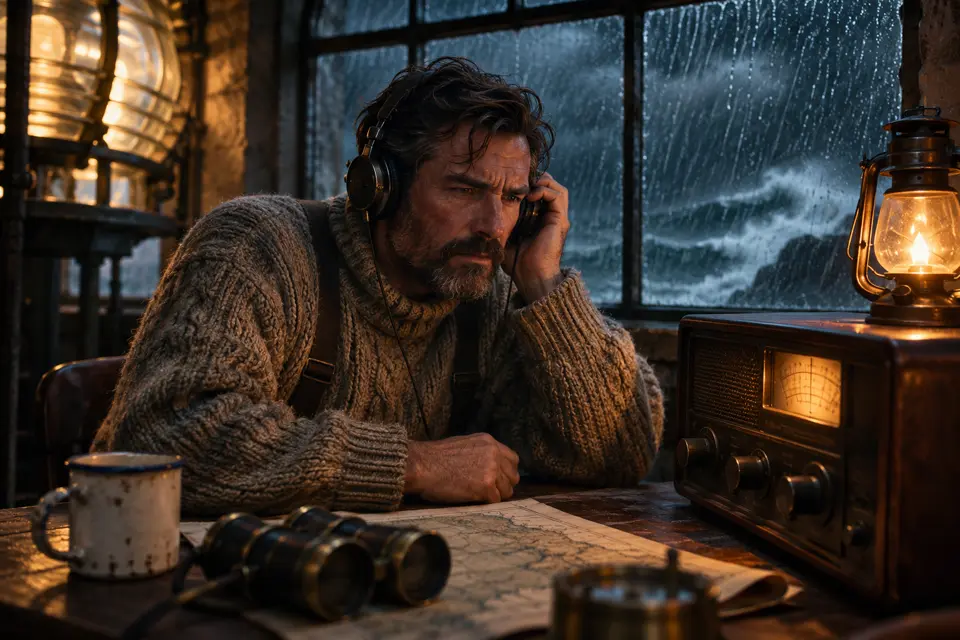
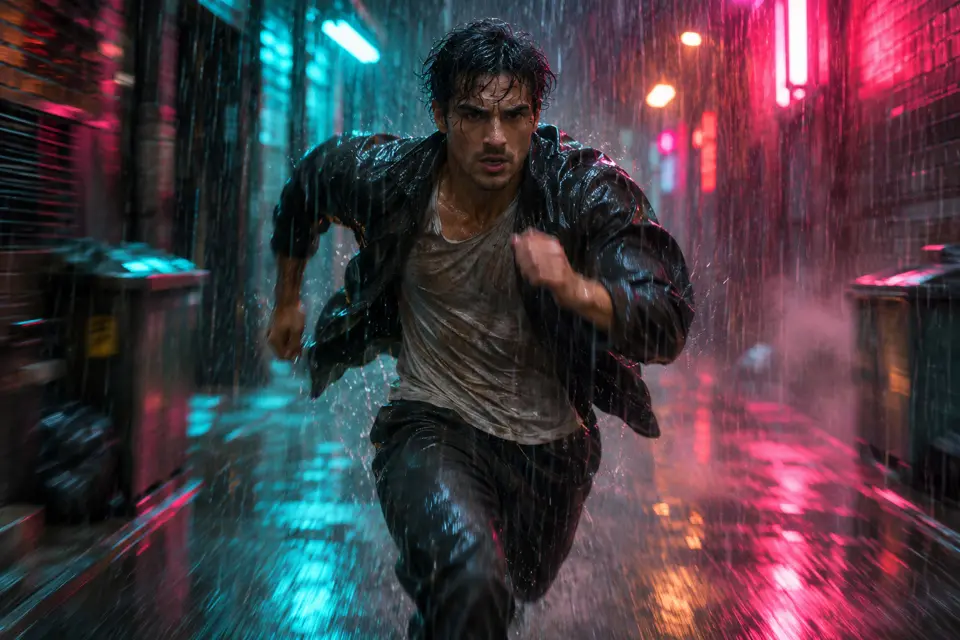
Shots with camera and motion direction.
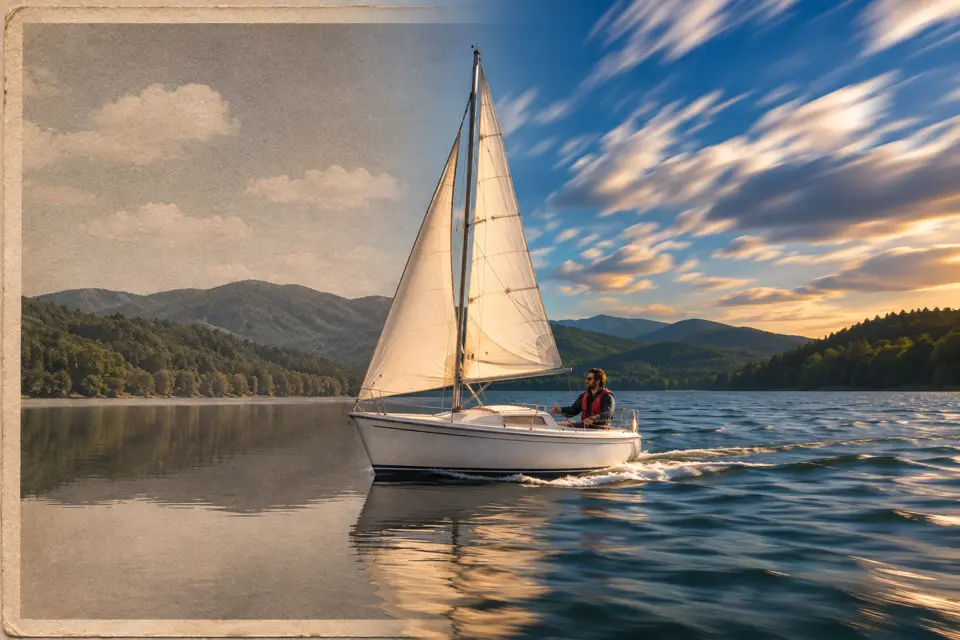
Bring a still frame to life.

Posters, products, and references.
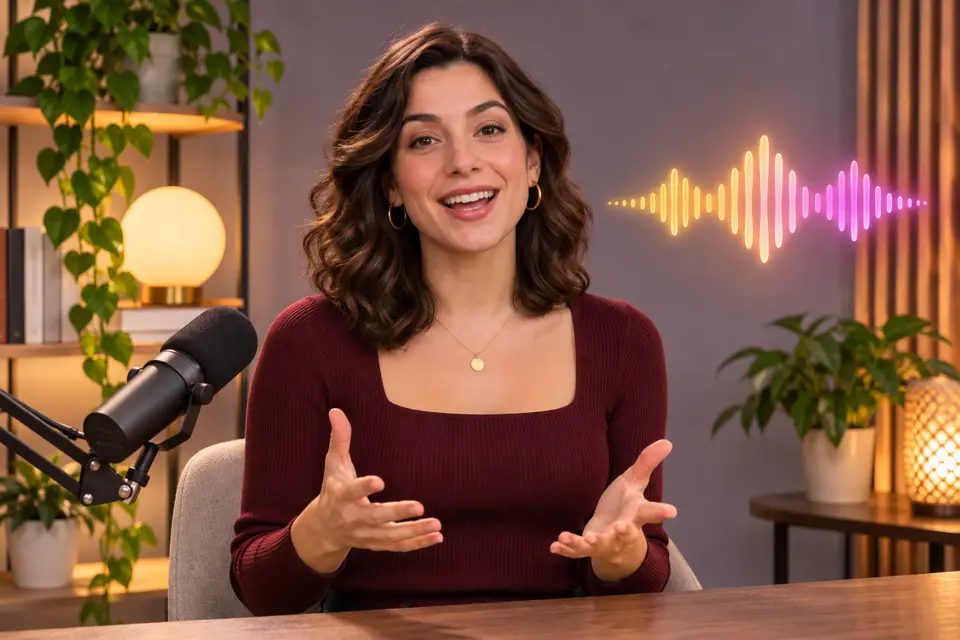
Presenters and narration.
 Storyboard Preview
 Camera Movement Control
 Camera Settings
 Relight
 Color Palette Extraction
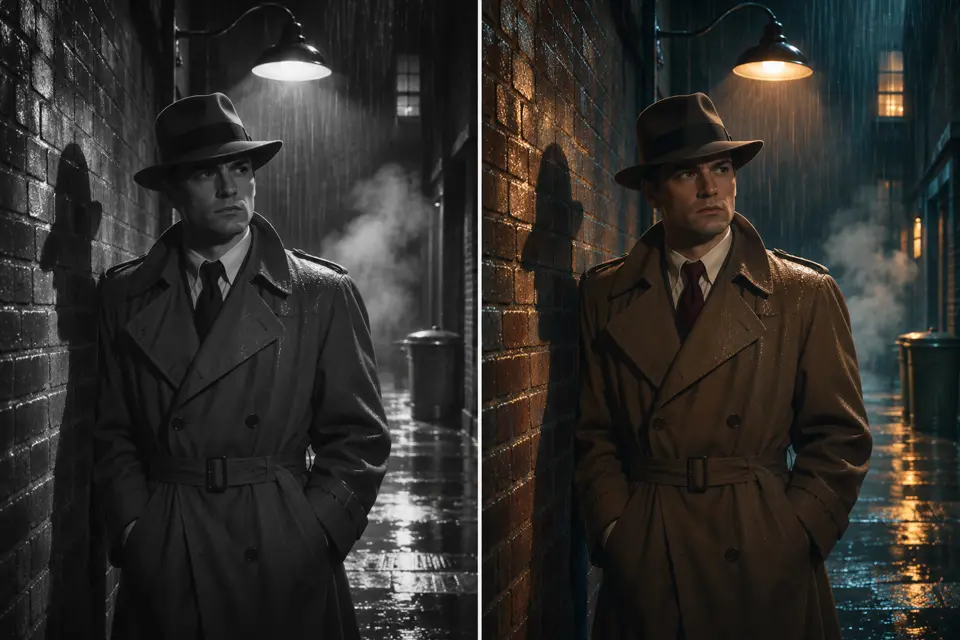 Film Analysis & Recreation
 Actor Expression Enhancer
 Click to Edit
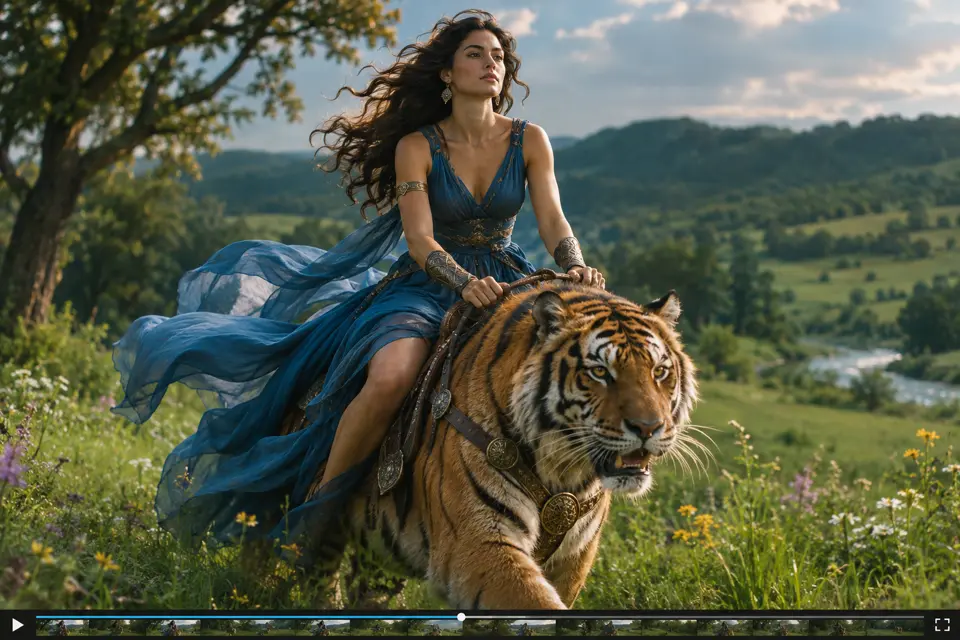 Clip Edit
 Portrait Enhancement
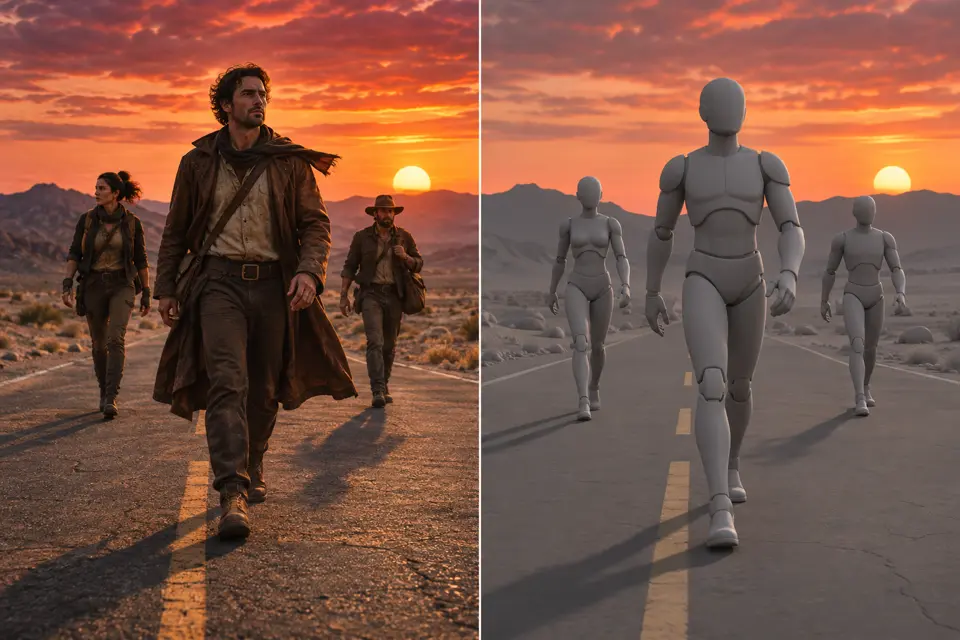 3D Shot Composer
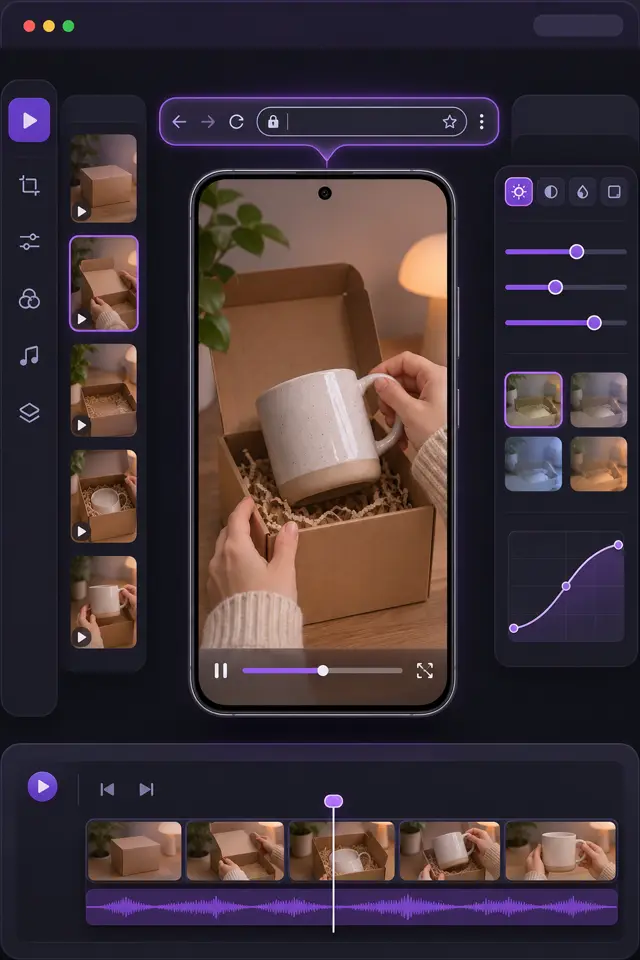
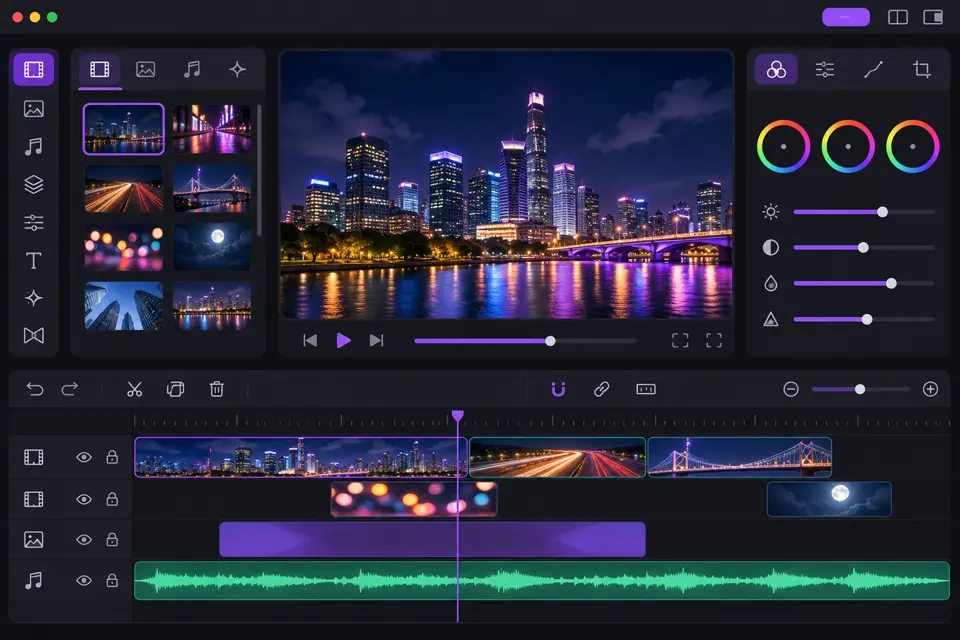 Built-in Editor
 Video Upscale
QuickRender is an AI video agent for short films and marketing videos. Start with an idea, a script, a reference video, or a product link. QuickRender plans the scenes, chooses models, generates assets, and keeps every shot editable on Canvas.
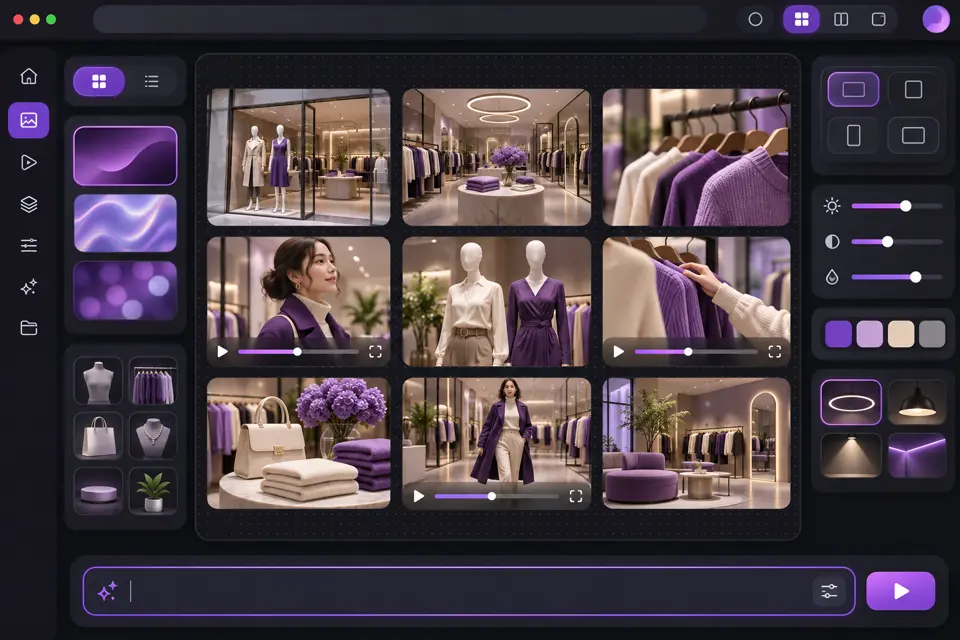
Create a UGC-style product ad · Make a 30-second launch video · Build a promo that converts
Make a 90-second cinematic short · Turn a story idea into a mini film · Plan a wordless emotional short
Remake a viral format for your product · Match the pacing of a reference · Adapt an ad to your brand
Turn raw clips into a Reel · Make a vertical short · Cut a punchy highlight
Design a product poster · Create a campaign key visual · Generate a clean social graphic
You bring the idea and pick the direction. The agent proposes scenes, creates assets, runs the production steps, and keeps voice, characters, and look consistent across a multi-shot video.
Open Canvas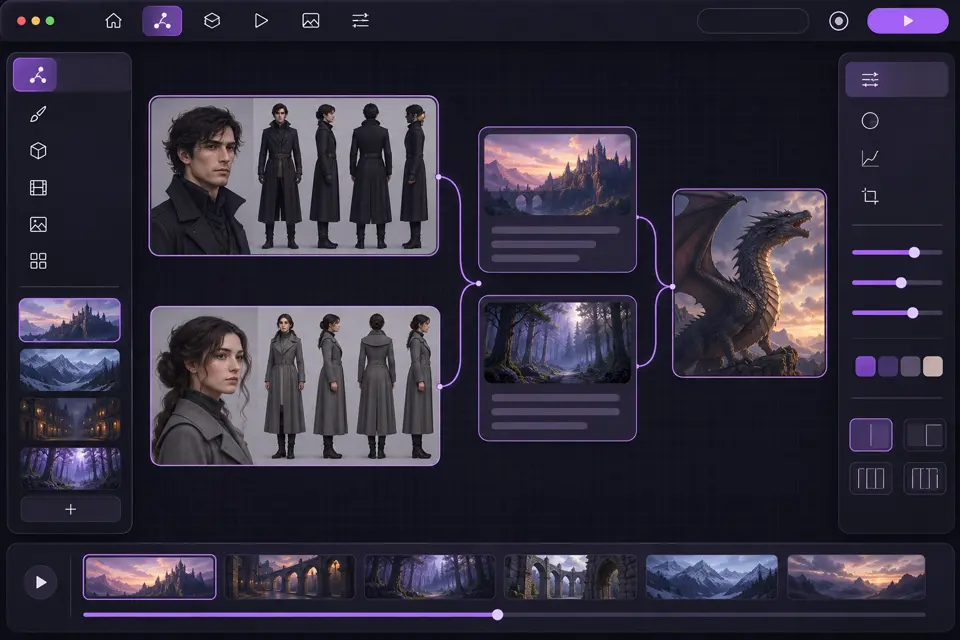
Make micro-dramas, vertical dramas, and short series from a novel, script, or plot, with consistent characters, locations, visuals, and sound from episode to episode.
Open Drama Studio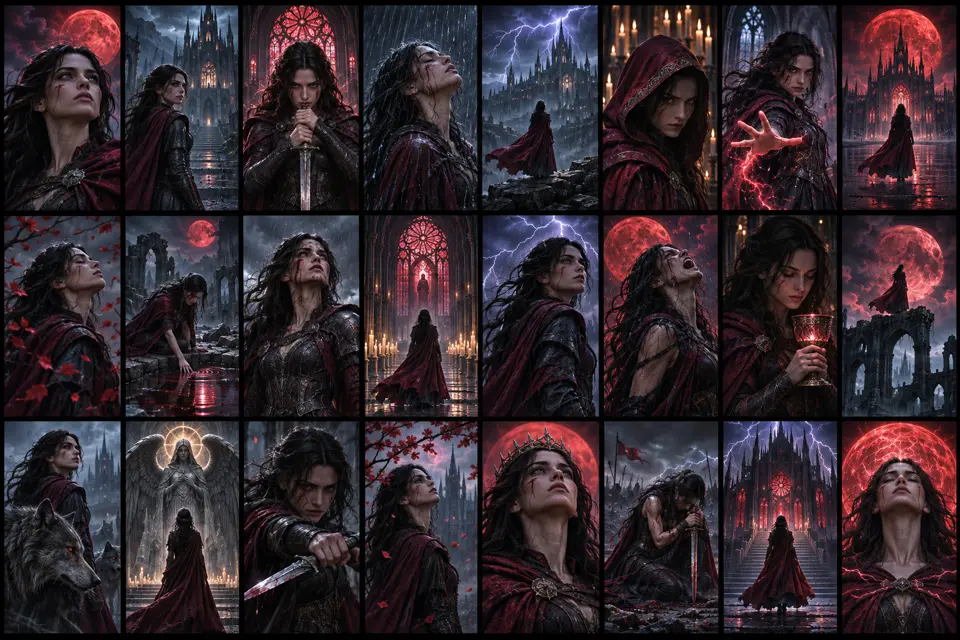
Use image, video, audio, and avatar models side by side, then organize the outputs for review, comparison, and reuse.
Use Board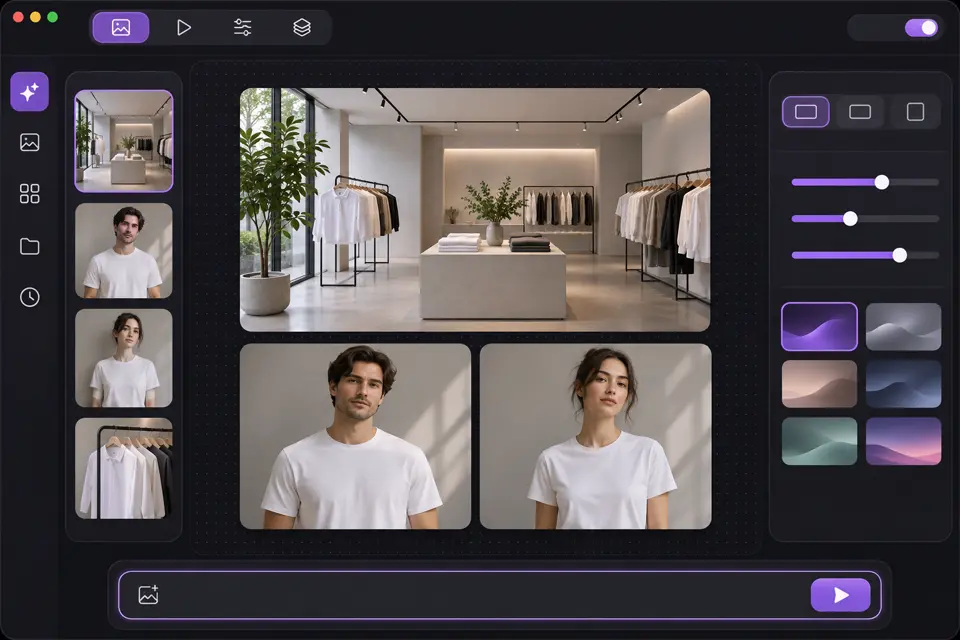
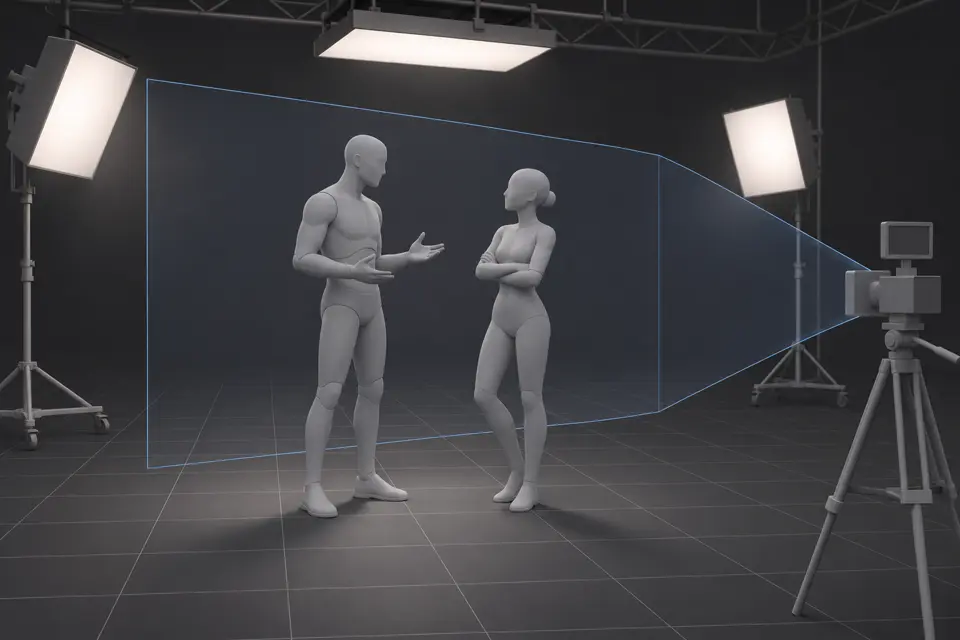
Place characters and props in a 3D scene, move the virtual camera, and lock your angles before you spend credits on generation.
Open 3D Shot Composer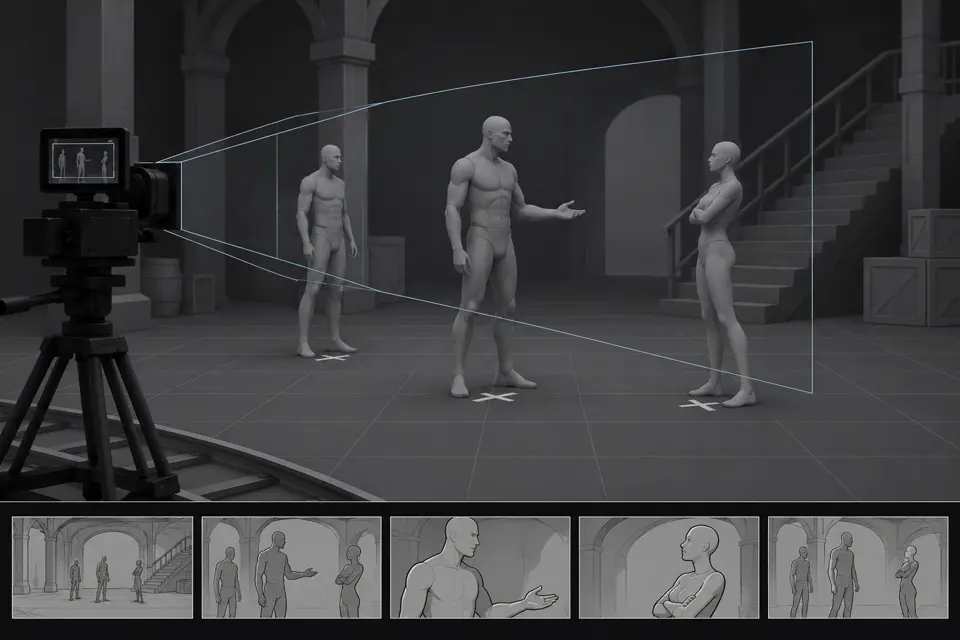
One place for team video work, with admins in control of credits and production materials. Built for marketing teams, agencies, and creative studios.
Work from shared projects in Canvas, Drama Studio, and Board, with references and outputs in one place.
Share credits, watch usage, and keep production spend under control across members.
Videos, images, audio, avatars, and references stay grouped, reviewed, and reusable.
Turn a scene idea, script, or visual reference into shots with camera movement, lighting, mood, and an editable story structure.
Create a film scene →
Build episode-style stories from a novel, script, or rough plot. The agent plans characters, scenes, props, continuity, and dialogue.
Create a short drama →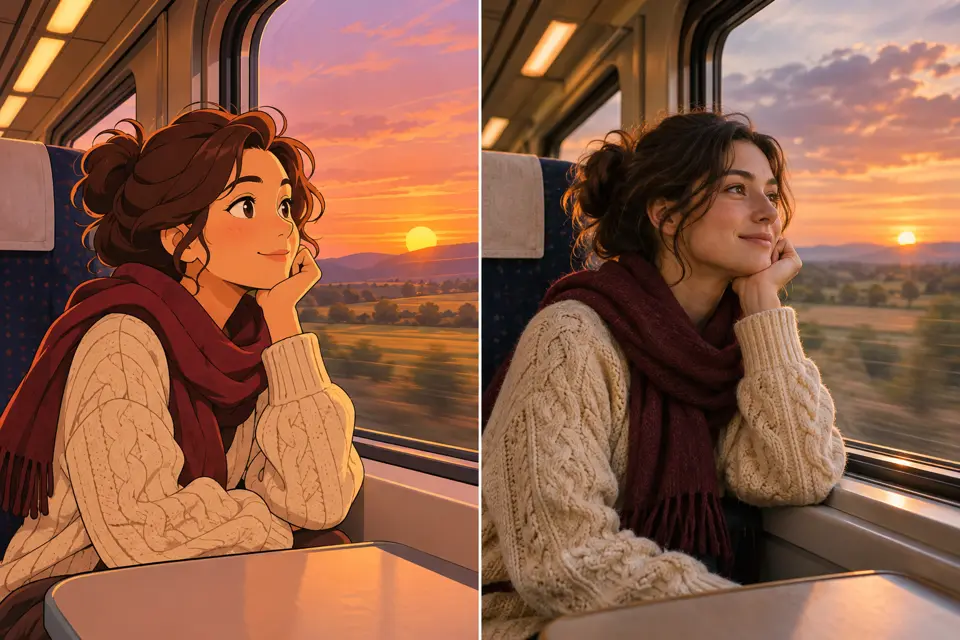
Upload a reference and let the agent study its rhythm, shot structure, camera language, and hooks, then rebuild the direction for your story.
Clone a video style →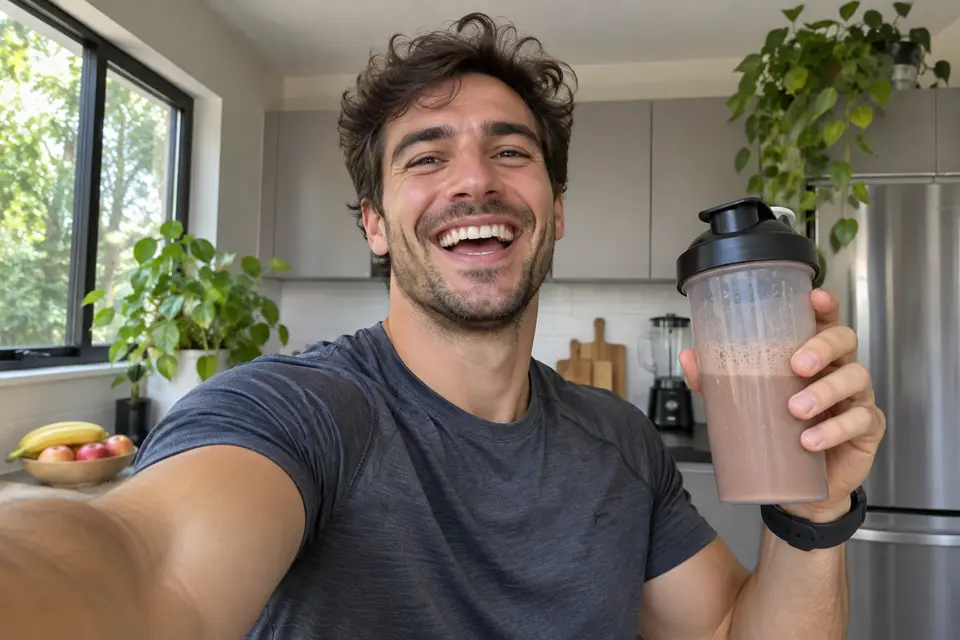
Creator-style ads with natural hooks, presenter pacing, and product storytelling for testing across paid social channels.
Try AI UGC →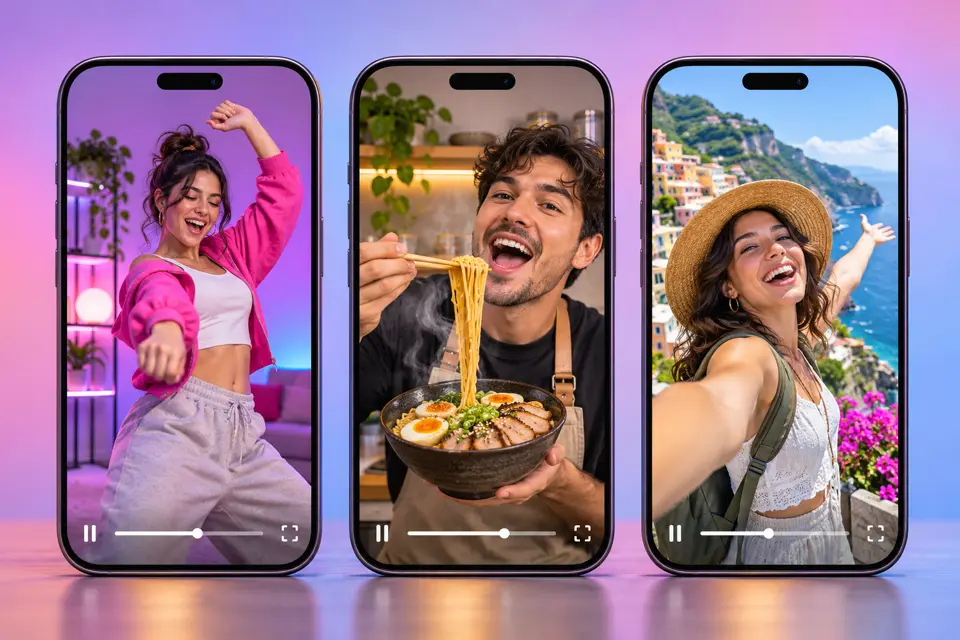
Batch short-form videos from one idea or asset set. Test hooks, captions, and aspect ratios while keeping the brand voice.
Generate short videos →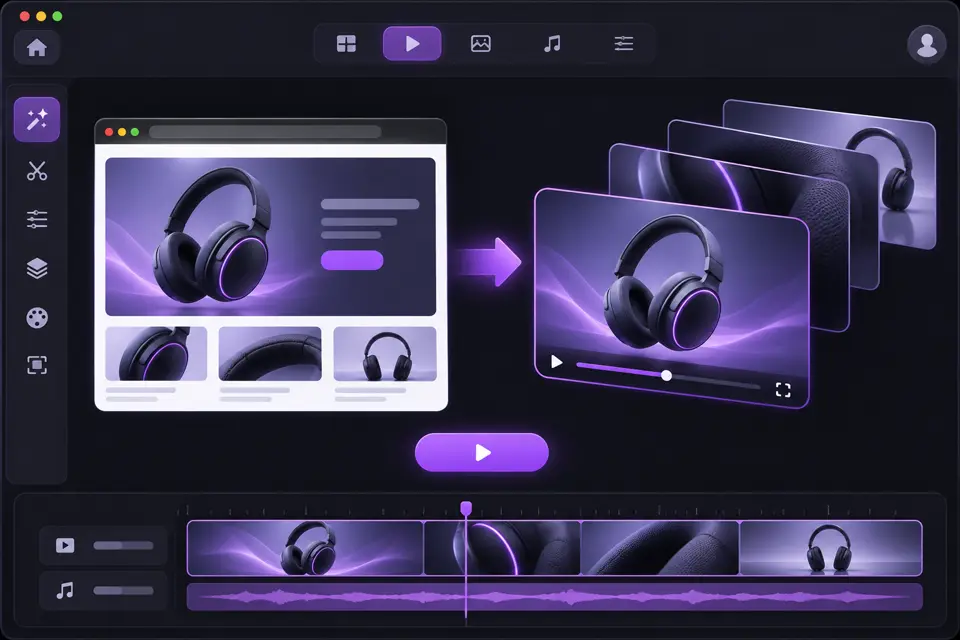
Paste a product page or campaign brief and get an explainer, product ad, or comparison clip you can keep editing.
Create ad videos →Most tools make one asset at a time. QuickRender is built for the whole loop: plan, generate, compare, refine, and adapt.
| Capability | Manual production | Generic AI video tools | QuickRender agent |
|---|---|---|---|
| Creative input | Brief, shot list, assets, handoffs | Mostly prompt only | Prompt, link, image, video, or a mix |
| Reference recreation | Manual research and editing | Limited or template-bound | Studies pacing, shots, hooks, and structure |
| Image + video | Separate design and video tools | Usually one media type | Images, boards, clips, and edits together |
| Narrative | Writers, directors, editors, actors | Short isolated clips | Plans scenes, characters, shots, and variants |
| Platform formats | Rebuild per channel | Export and resize by hand | Adapts for TikTok, Reels, Shorts, and ads |
| Verdict | High control, high overhead | Fast clips, narrow workflow | Multi-format production from one workspace |
QuickRender routes each task to the kind of model that suits the output: video, image, avatar, or voice.
 Video generation
Short films, drama scenes, social clips, and product videos with strong motion, camera direction, and continuity.
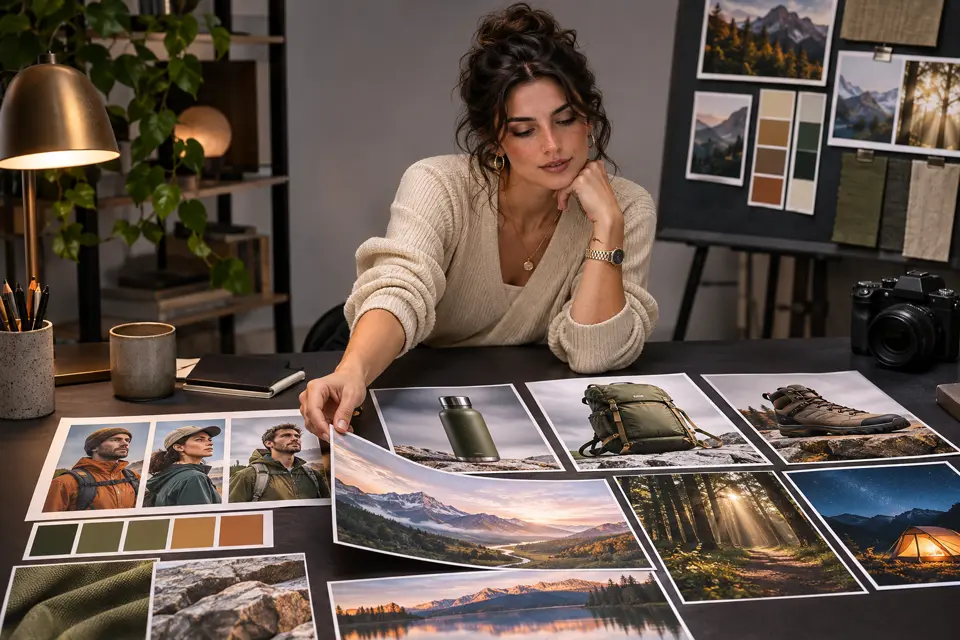 Image creation
Thumbnails, product imagery, character references, and scene concepts that feed straight into video generation.
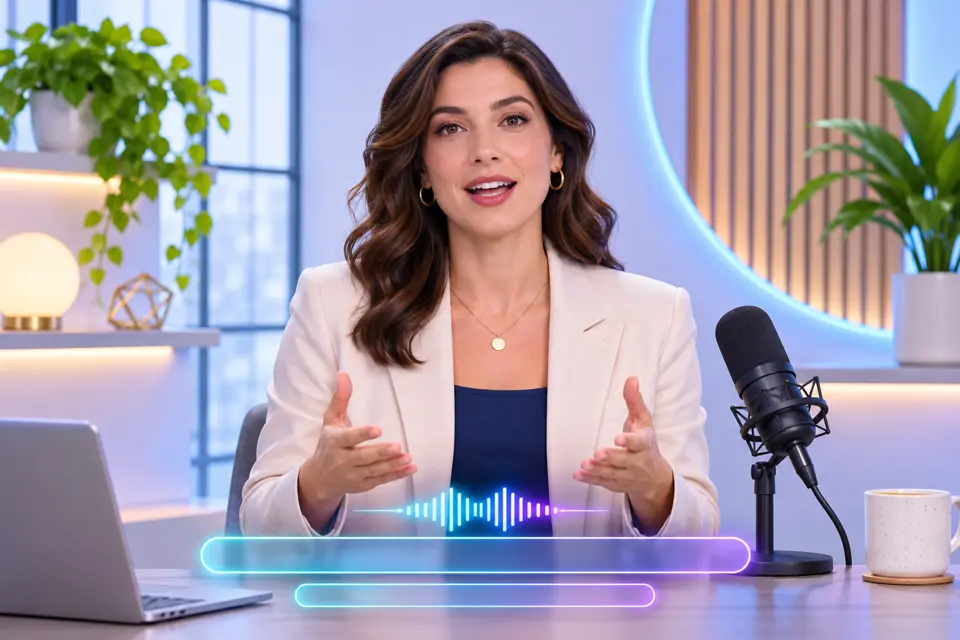 Avatar + voice
Presenters, voiceover, and captions when a video needs explanation, performance, or a localized version.
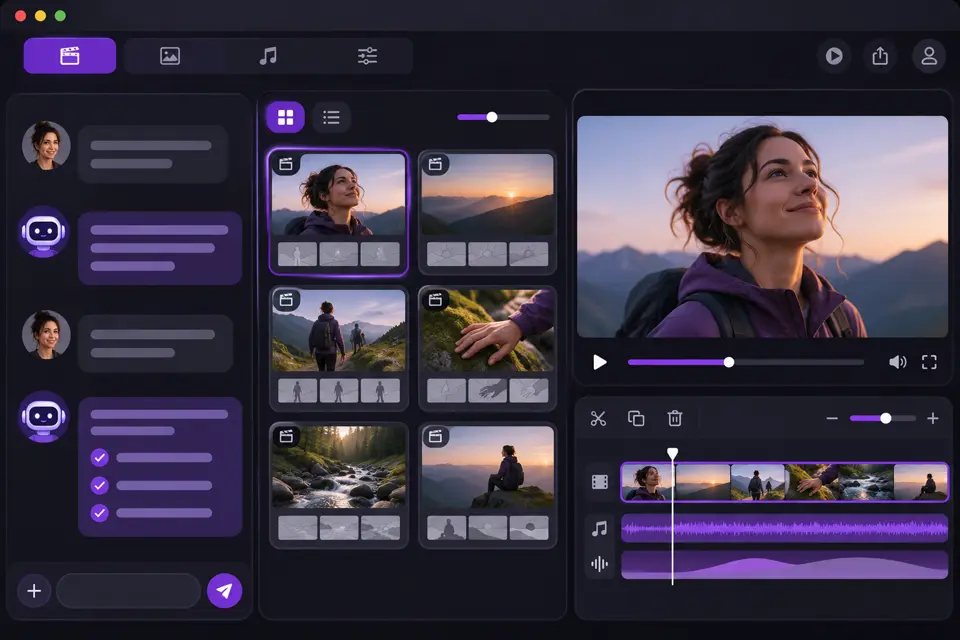 AI Video AgentHot
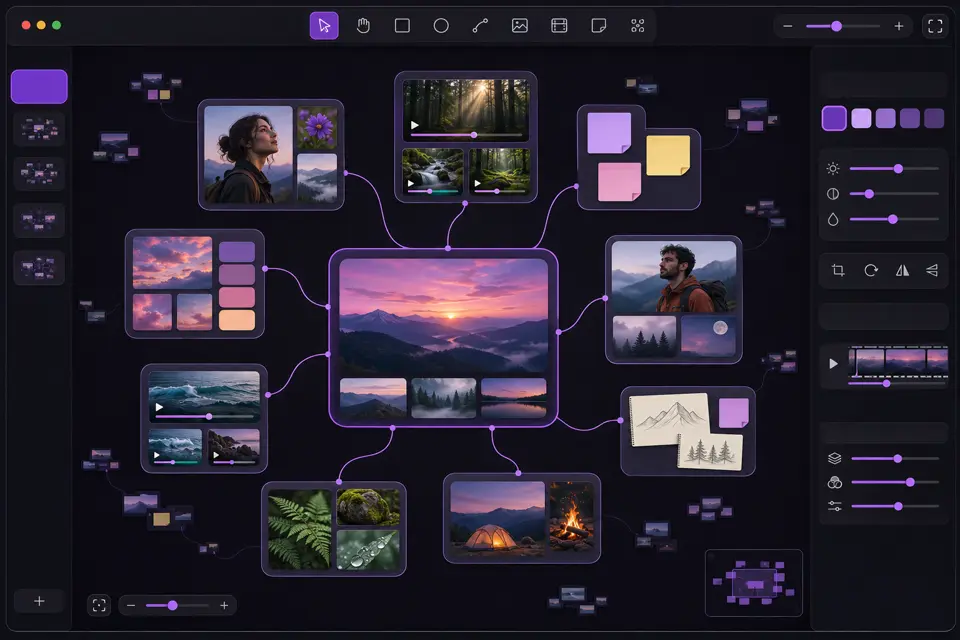 AI CanvasHot
 Drama StudioHot
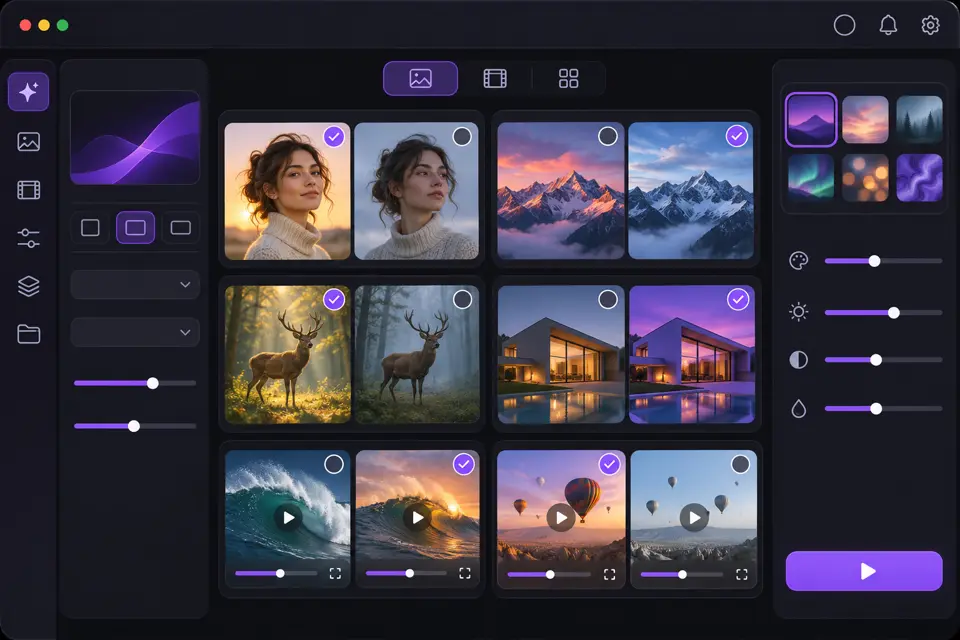 Board
 AI Video GeneratorHot
 AI Image GeneratorHot
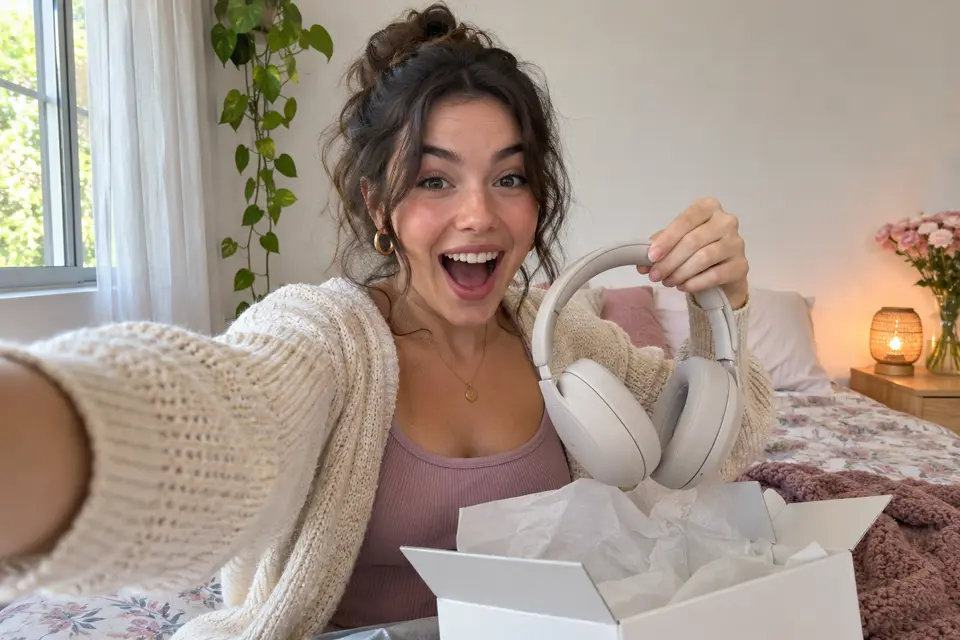 AI UGC AdsHot
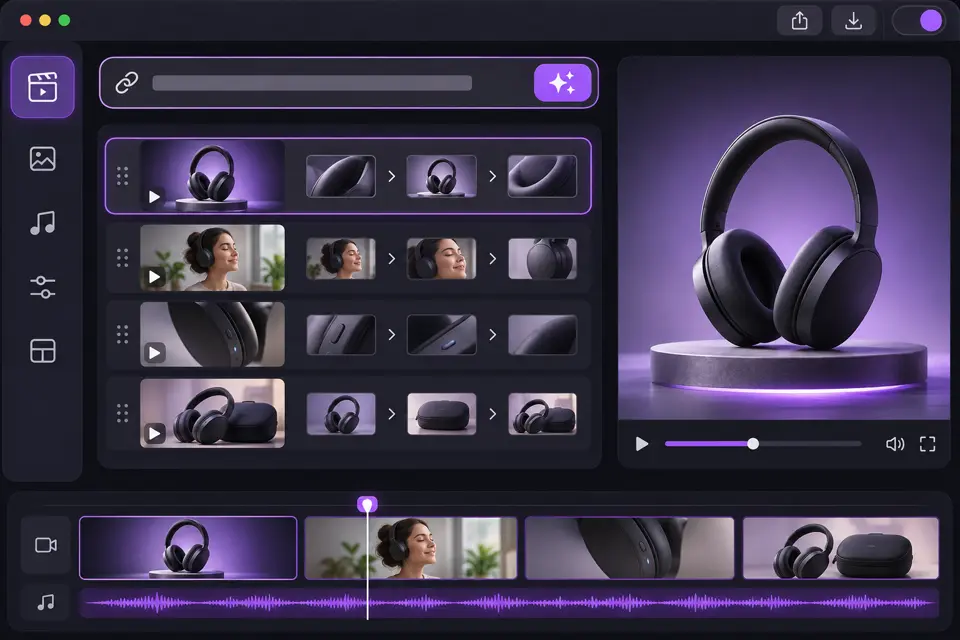 URL to Video
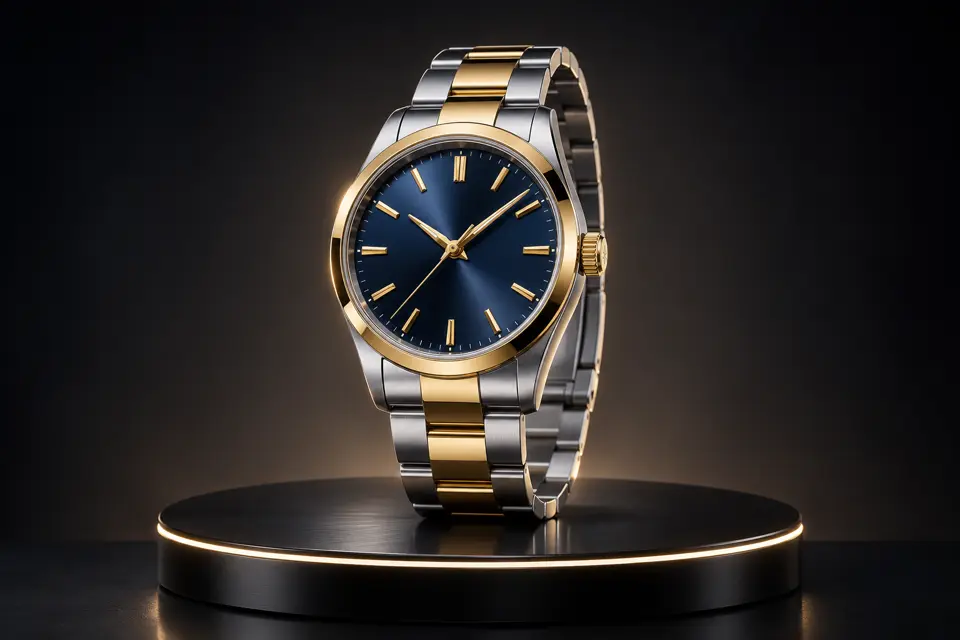 AI Product Video
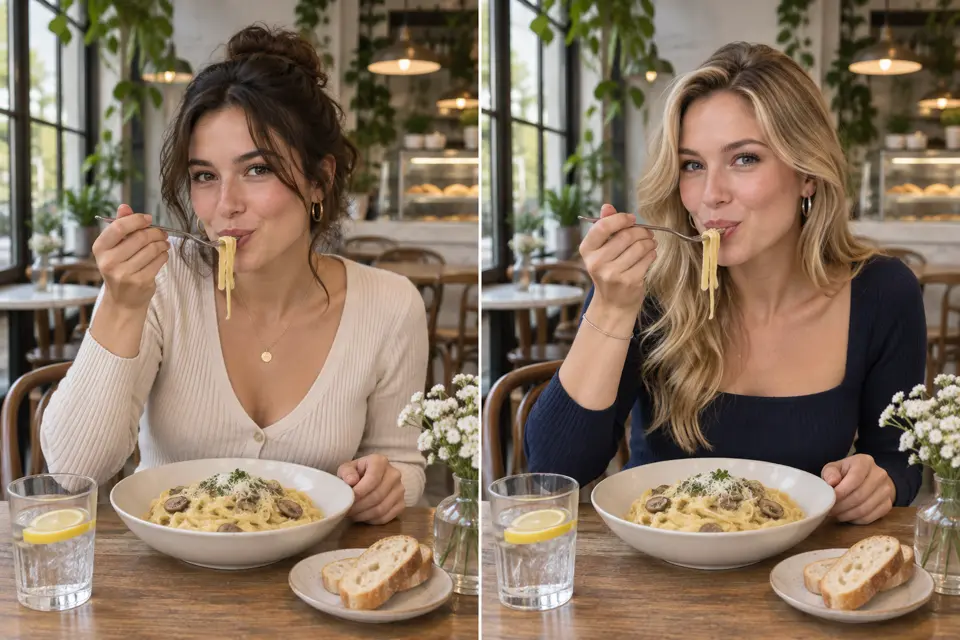 Video Clone
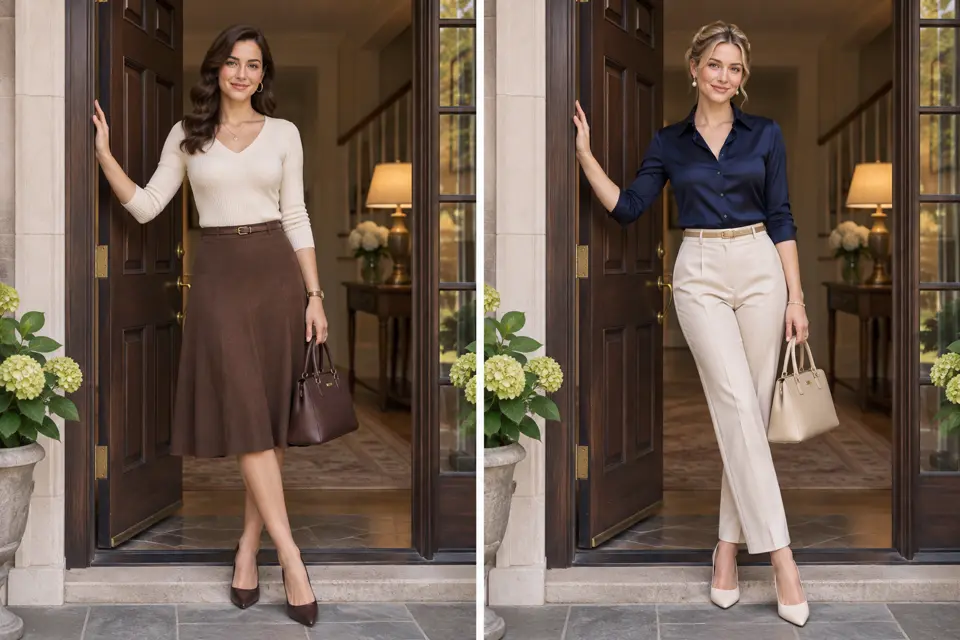 Video Character Swap
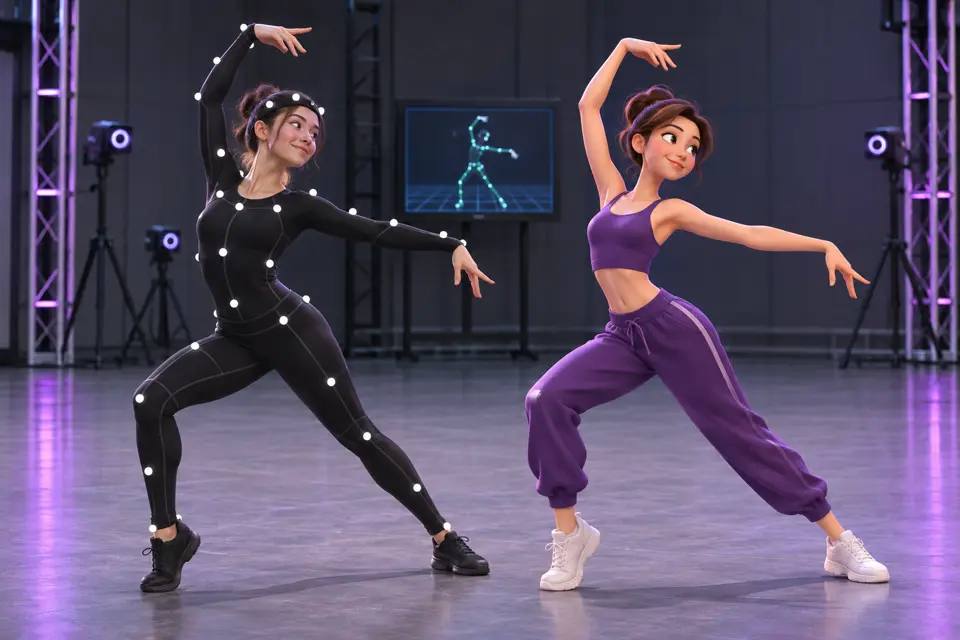 Motion Control
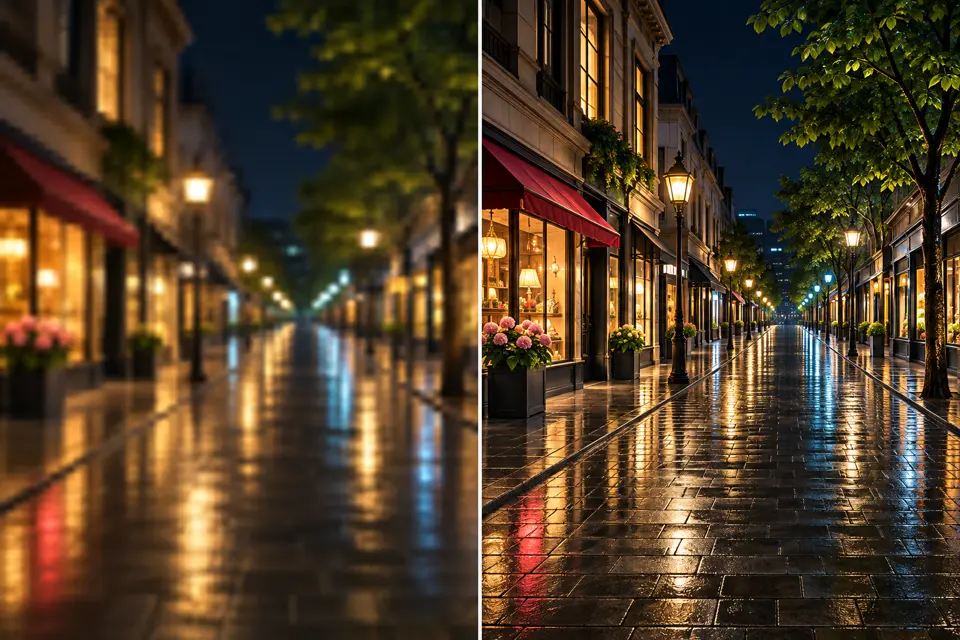 Video Upscale
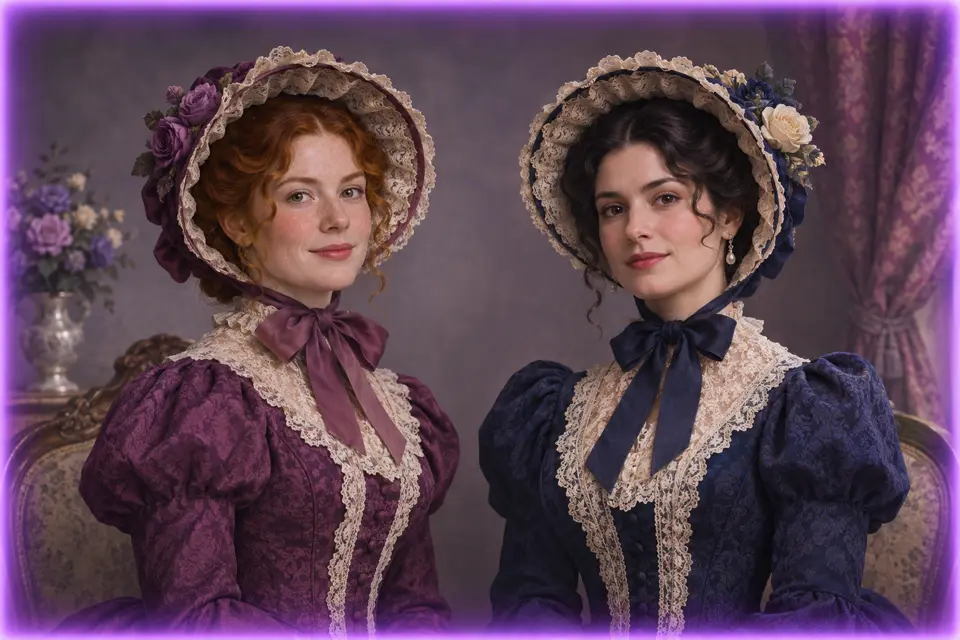 Image Character Swap
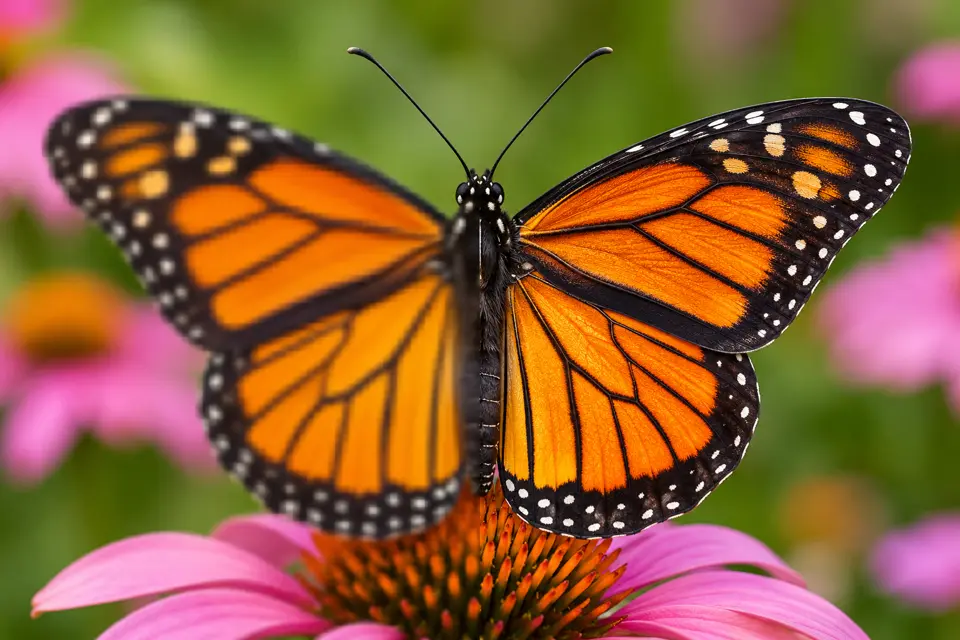 Image Upscale
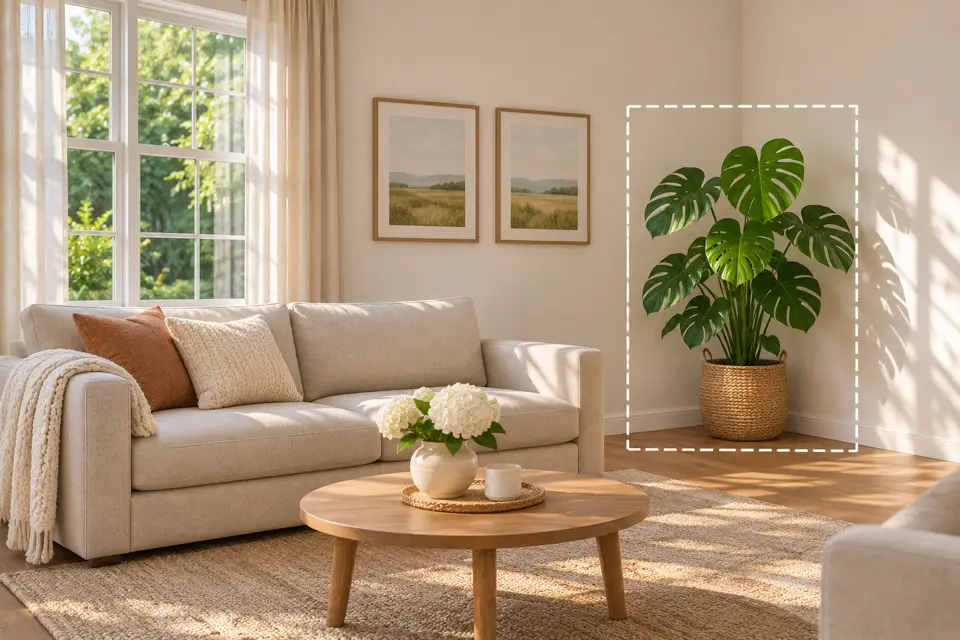 Inpaint
QuickRender is an AI video workspace. You describe an idea, or add a script, reference video, or product link, and the agent plans scenes, picks a suitable model for each step, and keeps every shot editable on Canvas.
Multi-scene projects. Canvas keeps the story outline, references, generated images, and clips side by side so you can compare versions and refine one shot without rebuilding the rest.
No. You can work in plain language and let the agent propose the structure. Creators who want more control can edit prompts, shots, and camera direction directly.
Episode-based stories such as micro-dramas and vertical series. It keeps characters, locations, and style consistent across episodes.
Board puts image, video, avatar, and audio generation in one place, then lets you organize, compare, and reuse the results.
Generation uses credits. Pro plans include monthly credits, and subscribers can add one-time credit packs. See the pricing page for details.
QuickRender is in preview. You can create an account and explore the workspace now; each generation tool shows whether it is available before you submit anything.